
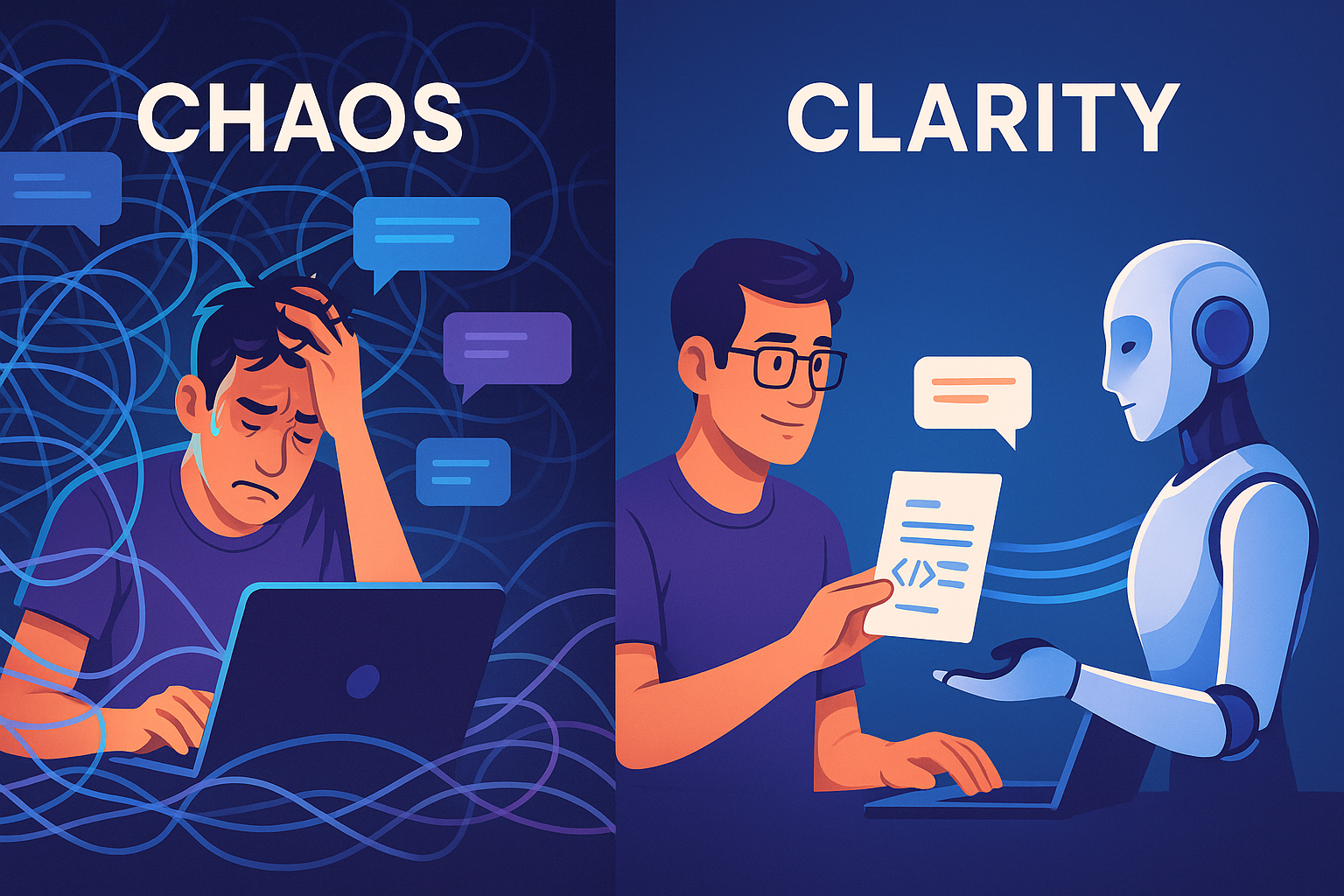
I've been using Claude Code (and a few other AI coding assistants) on real projects for most of this year, and the thing that made the biggest difference was getting deliberate about what's in the context window and what isn't. Prompt wording and model choice mattered a lot less than I expected.
This post is what I've settled on so far: how I manage context, where I keep state between sessions, and which model I use for what.
How it started
When I first started using Claude Code it was for small stuff: scripts, one-off utilities, a quick refactor. That worked great. Open a session, describe the problem, get working code, move on. The context was small, the scope was small, and everything the AI needed was right there in the conversation.
Where it fell apart
Once I started using it on bigger projects, the output quality dropped as the session got longer. The more I explained about the overall system, the more it lost track of the details of the thing it was actually working on. The longer the conversation ran, the more likely it was to contradict a decision from earlier or forget a constraint I'd given it.
Clearing the context before each new task gives much better results than letting it grow and relying on compaction. So now I clear after every step: requirements discussion, architecture planning, and each individual task. The catch is that an empty context is bad too. The AI still needs SOME context to do the current task well. So that state has to live somewhere other than the conversation.
Markdown files as state
My answer was plain markdown files in the repo. Nothing fancy:
- architecture.md for the high-level technical decisions and system design
- decisions.md for key choices and why we made them
- tasks.md for what needs doing (this quickly became a tasks/ directory with todo, current, and done subdirectories and one file per task)
- completed.md for what's finished and anything worth remembering about it
That gave me persistent state across sessions, so I could start a fresh conversation without losing anything important. It let the AI focus on the current task and pull in the bigger picture only when it needed to. And the files turned out to be useful project documentation for me too, not just AI food.
Different models for different jobs
Around the same time I noticed that not every task needs the biggest model. I use the expensive ones (Claude Opus, Gemini 2.5 Pro) for architecture and system design, hard problems, building the overall plan, and the big technical decisions. Then I switch to the faster, cheaper ones (Claude Sonnet, GPT 5) for implementing individual functions, writing unit tests, formatting and cleanup, and simple refactors.
The cost savings are nice, but that's not really why I do it. The smaller models actually do better on focused tasks because they don't overthink them. Hand a top-end model a simple task and it might architect a distributed system where a function would do.
Adding structure as projects grow
On full applications, a flat task list stopped working. I ended up with a fairly traditional hierarchy: epics for large features or major components, features for specific functionality inside an epic, and tasks for individual units of work I can hand to the AI in one session. Each level gets its own markdown file with the right amount of detail. An epic describes the business goal and the general approach. A feature describes what the user gets. A task has the specific implementation requirements.
This helped me organize my own thinking as much as it helped the AI. It also means I can give the AI exactly the level of context the current task needs and nothing more.
What goes into a session
For any given session I include:
- The immediate task, meaning what we're building right now
- One level up, the feature this task belongs to
- The constraints that apply, pulled from the architecture doc and the coding conventions doc, but only the relevant parts
- Recent decisions, only if they affect this task
Everything else stays in the markdown files where the AI can go read it if it needs to. It's the difference between a desk buried in paper and a clean desk with labeled filing cabinets. The AI does much better with the second one.
What I'd tell someone starting out
- Start fresh sessions often. Don't try to keep one long conversation going for a whole project. New feature or new task, new session.
- Write down anything that matters beyond the current task. Decisions, constraints, gotchas: if it needs to survive the session, it goes in a markdown file.
- Match the model to the task. Big models for planning and architecture, fast models for implementation.
- Add structure when you need it. What works for a script won't work for an application. Don't be afraid to add hierarchy as the project grows.
- Treat context as a budget. It's the most limited resource you have. Put in what's needed, leave out what isn't, and know where to find what you left out.
- The docs aren't overhead. Those files are how you understand your own system six months from now.
Where this is going
The way I think about it now: these models are very capable and completely stateless. They're like a sharp contractor who shows up every morning with no memory of yesterday. My job is to have the right notes waiting for them.
Doing this has turned AI-assisted development from an exercise in repeating myself into something I can actually build with day to day. The overhead of maintaining the markdown files is real, but it pays for itself quickly.
I've since built some tooling to automate a lot of this, which I'll cover in a future post. But you don't need any of that to start. A handful of markdown files and a habit of clearing the context will get you most of the way there.
What's working for you? I'd love to hear how other people are handling this.
No comments yet